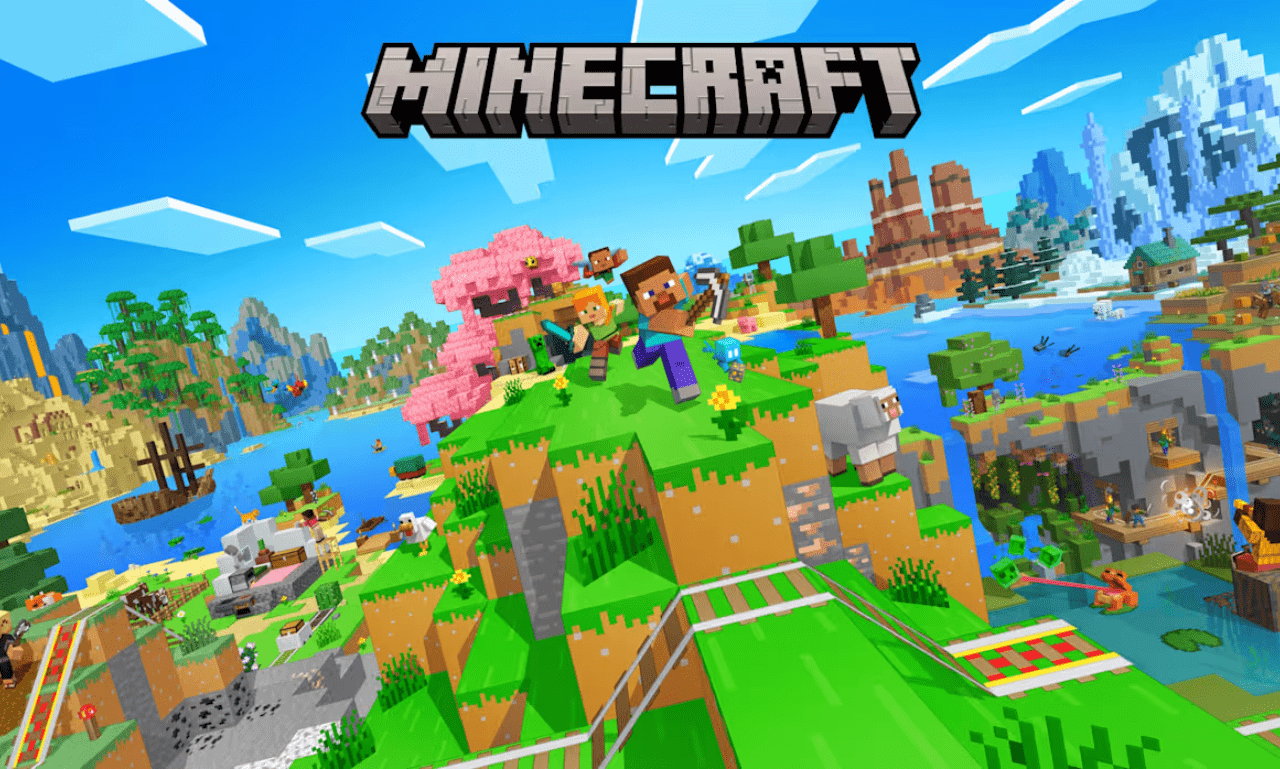
It is hard to believe how a simple game about breaking and placing blocks became a global phenomenon. When it first arrived, nobody could have guessed that a world made entirely of cubes would capture the hearts of millions of people around the world. Today, minecraft is much more than just a video game. It is a creative canvas, a powerful learning tool in schools, and even a massive upcoming Hollywood film franchise. Whether you want to build a giant castle, learn how to code, or see your favorite actors bring the game to life on the big screen, there is something in this sandbox for everyone.
I still remember the very first time I loaded into a random world years ago. I spent my entire first night hiding in a tiny dirt hole because I was absolutely terrified of the groaning zombies outside. That is the true beauty of this adventure. It lets you write your own story from scratch. In this ultimate guide, we will explore every corner of the blocky universe. We will cover the cool tools that players use to change their games, the exciting updates on the silver screen adaptations, and some incredible ways to spark your imagination.
1. What is the New Hype Around the Minecraft Movie?
The blocky world is officially breaking out of our computers and heading straight into theaters. The anticipation for a minecraft movie has been building for years, and fans cannot stop talking about how this live-action world will look. It is a massive project from Warner Bros. Pictures, designed to bring the strange, cubic wonderland of the Overworld to life. The story follows four misfits who get pulled through a mysterious portal into a bizarre blocky world. To return home, they have to master the unique physics of the land and protect it from evil monsters.
What makes this adaptation so fascinating is how it blends real human actors with the classic pixelated look of the game. Seeing a live-action character interact with a perfectly square block of dirt or a blocky pink pig is a wild visual experience. The film captures the true essence of survival and creativity, reminding us why we fell in love with the game in the first place. It is a major milestone for the franchise, proving that these blocks are a massive part of modern pop culture.
2. Meet the Star-Studded Cast of Minecraft the Movie
One of the biggest reasons people are so excited about the upcoming film is the incredible line-up of actors. The cast of minecraft the movie features some of the biggest names in Hollywood, ensuring the film is packed with comedy and energy. Fans are thrilled to see how these actors will bring our favorite blocky characters and brand-new heroes to life.
The legendary Jack Black steps into the blue shirt of minecraft steve, the iconic default character we all know and love. Joining him is action star Jason Momoa, who plays a funny character named Garrett “The Garbage Man” Garrison. The minecraft movie cast also features rising star Emma Myers, talented comedian Danielle Brooks, and the hilarious Jennifer Coolidge. With such an amazing group of actors, the movie promises to be a funny, action-packed journey that families and long-time crafters will love.
3. How to Get Started with Your First Minecraft Download
If you have never played before, getting the game on your device is your first step toward adventure. The formal minecraft download is available on almost every device you can think of, including computers, gaming consoles, phones, and tablets. To get started, you just need to visit the official website or your device’s app store. The game launcher handles all the installations and updates for you, keeping your game safe and fresh.
For computer players, you can choose between two main versions: Java Edition and Bedrock Edition. Java is amazing if you want to modify your game later, while Bedrock is perfect for playing with friends on different devices like Xbox or Nintendo Switch. Getting your official copy ensures you can join multiplayer servers safely and avoid dangerous computer viruses. It opens up a portal to endless worlds where the only limit is your own imagination.
4. Can You Play Minecraft Free?
A very common question that new players ask is if they can enjoy minecraft free without spending any money. While the full, modern version of the game requires a purchase, there are a few legal and safe ways to experience the game for zero cost. Mojang offers free trials on mobile devices and computers so you can test out the survival mechanics before buying the full game.
Another excellent option is minecraft classic, which is a completely free version you can play directly inside your web browser. This special version is a release of the original 2009 game code, created to celebrate the game’s tenth anniversary. It does not have all the fancy monsters, deep oceans, or cool redstone wiring of the modern game, but it lets you build with 32 classic blocks alongside your friends. It is a great piece of history that costs absolutely nothing to enjoy.
5. Playing in School with Minecraft Unblocked and Paper Minecraft
Many students look for ways to play their favorite game during school breaks, leading them to look for minecraft unblocked websites. Schools often block regular game launchers to keep students focused on their work, but creative fans have found clever workarounds. These unblocked web versions let you play simple versions of the game directly inside standard school browsers without needing a heavy installation.
One of the most popular fan-made web versions is called paper minecraft, which is a brilliant 2D side-scrolling adaptation of the game. Created by a talented programmer on the Scratch platform, it packs almost all the features of the real game into a flat world. You can mine blocks, craft tools, build shelters, and fight off zombies just like in the 3D version. It is a fantastic, lightweight game that runs smoothly on low-powered school laptops during free time.
6. Transforming Your Game with Minecraft Mods and Shaders
Once you have played the standard game for a while, you might want to try something brand new. This is where minecraft mods come in to completely change how the game works. Short for “modifications,” these are free add-ons created by brilliant players worldwide. They can add massive new dimensions to explore, magical spells to cast, or complex modern technology factories to build.
Popular Mod Types:
– Technology Mods: Build fully automated factories and sorting systems.
– Magic Mods: Cast powerful spells and brew mythical potions.
– Biome Mods: Add hundreds of realistic trees, plants, and new dimensions.
If you want to make your blocky world look like a gorgeous animated movie, you should look into minecraft shaders. Shaders change how the game handles lighting, shadows, and water. Instead of static pixel blocks, shaders add realistic moving sunbeams, waving leaves, and beautiful reflections in the water. Combining a few cool mods with a beautiful shader pack makes the game feel completely new and breathtakingly beautiful.
7. Creative Inspiration: Amazing Minecraft House Ideas
Building a shelter is the core experience of your first day, but you do not have to live in a boring square box forever. There are thousands of beautiful minecraft house ideas shared by the community to inspire your next big project. Moving from a basic dirt shelter to a grand mansion is one of the most rewarding feelings in the entire game.
When planning your next minecraft house, it helps to choose a clear style before you start placing blocks. You can build a cozy rustic cabin in the woods using dark oak logs, or a sleek modern villa using white concrete and massive glass windows. Adding small details like leafy gardens, cozy stone chimneys, and nice indoor furniture will make your base feel like a true home. Experimenting with different blocks is the best way to improve your building skills.
8. Navigating the World Safely with a Minecraft Seed Map
Every single world generated in the game is completely unique, powered by a long string of numbers called a seed. If you want to find specific structures like a desert pyramid or a giant village easily, a minecraft seed map is an incredibly helpful tool. These online maps let you type in your world’s seed number to view your entire map from a bird’s-eye view.
Using a map tool helps you plan your survival adventures without getting hopelessly lost in deep dark forests. You can easily spot where rare biomes like mushroom islands or deep oceans are located before you pack your bags. While some players prefer the mystery of exploring blindly, a seed map is perfect for builders who want to find the perfect flat meadow or dramatic mountain peak for their next master build.
9. Learning and Exploring with Minecraft Education
The game is not just for entertainment; it is also a revolutionary teaching tool used in classrooms worldwide. minecraft education is a special version designed specifically for schools to help students learn complex subjects in a fun way. Teachers use this platform to teach everything from basic mathematics and historical architecture to advanced computer coding and chemistry.
In this special educational version, students can conduct safe chemistry experiments by combining elements to create cool items like underwater torches or sparklers. They can also work together in teams to explore historical recreations of ancient Rome or learn how coding logic works by programming a small robot assistant. It proves that video games can be incredibly beneficial for developing young minds and making school lessons truly memorable.
10. Express Yourself with Custom Minecraft Skins and Dungeons
Personal expression is a massive part of what makes the community so vibrant. Every player can customize their character’s look using minecraft skins, which are pixelated outfits that wrap around your 3D model. You can dress up as a brave knight, a futuristic astronaut, a cute animal, or even your favorite cartoon character. There are millions of free skins available to download online, allowing you to show off your unique personality on multiplayer servers.
If you love the setting but want a completely different style of gameplay, you can dive into minecraft dungeons. This is a standalone action-adventure game set in the same blocky universe, but it plays like a classic dungeon crawler. Instead of mining and building, you explore dangerous castles and dark swamps to fight hordes of monsters and collect epic loot. It is an awesome spin-off that expands the lore of the franchise and offers a fresh challenge for fans.
Complete Minecraft Feature Comparison Table
To help you keep track of all the different ways to experience this universe, here is a detailed breakdown of the various versions and tools we discussed above:
| Feature/Version | Primary Platform | Main Purpose | Cost |
| Full Game Download | PC, Consoles, Mobile | Complete survival and creative sandbox experience | Paid |
| Minecraft Classic | Web Browser | Play the original 2009 building game code | Free |
| Education Edition | School Devices | Classroom learning, coding, and science lessons | School License |
| Paper Minecraft | Web Browser | Quick 2D fan-made side-scrolling gameplay | Free |
| Minecraft Dungeons | PC, Consoles | Action-packed dungeon crawling and looting | Paid |
| Game Mods & Shaders | PC (Java Edition) | Customizing gameplay mechanics and adding realistic graphics | Free |
Frequently Asked Questions (FAQs)
How do I safely install custom minecraft skins?
To change your skin, download a safe .png skin file from a trusted community website. Open your official game launcher, click on the “Skins” tab at the top, select “New Skin,” and upload your downloaded file. The change will show up instantly when you join a game.
What is the difference between Java and Bedrock versions?
Java Edition runs on computers and is the best choice for adding custom mods and shaders. Bedrock Edition runs across consoles, mobile devices, and PC, making it the perfect version for cross-play multiplayer with friends on different systems.
Are minecraft mods safe to download on my computer?
Yes, mods are safe as long as you download them from trusted community hubs like CurseForge or Modrinth. Never download files from strange websites that ask you to run installer programs, and always keep your antivirus active.
How do I find my world number to use a minecraft seed map?
While playing inside your world, simply open your chat window and type /seed, then press enter. The game will display a long number. You can click on it to copy it and paste it directly into an online map tool.
Who is the main main villain in the upcoming movie?
The main villain in the film is a powerful Piglin ruler named Malgosha, voiced by actress Rachel House. She leads an invading army of monsters from the fiery Nether dimension into the beautiful Overworld.
Can I run high-end minecraft shaders on a basic school laptop?
Most high-quality shaders require a strong computer with a dedicated graphics card to run smoothly. However, there are special “Lite” shader packs designed specifically to run well on low-powered laptops without causing game lag.
Conclusion: Grab Your Pickaxe and Join the Adventure!
From its humble beginnings as an indie project, minecraft has grown into an unstoppable force of creativity, education, and mainstream entertainment. Whether you are building beautiful structures using fresh minecraft house ideas, exploring wild modded dimensions, or getting ready to watch the big-screen cinematic adventure, the blocky world offers limitless freedom. It is a rare game that grows alongside its community, constantly finding new ways to surprise and inspire us.
What are your favorite things to build in your world? Are you excited to see Jack Black bring Steve to life in the theaters? Let me know your thoughts in the comments below, and don’t forget to share your coolest building tips with your fellow crafters!
A Minecraft Movie Final Trailer
This video is the official final trailer for the upcoming movie, showcasing the live-action characters, the blocky environments, and giving you a great first look at the movie’s unique visual style.