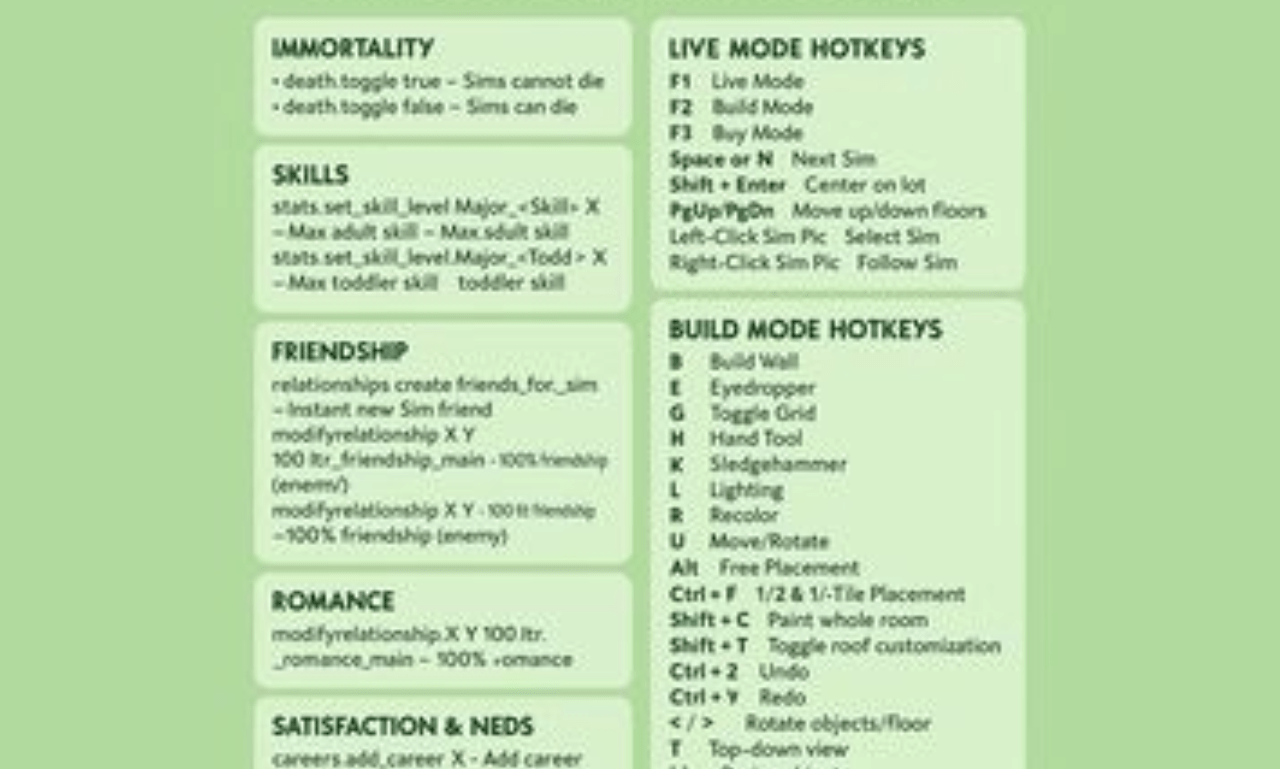
Playing the same old way in your game can sometimes feel a bit slow or boring. You wait for hours just to earn a few coins or level up a cooking skill. That is exactly why the sims 4 cheats exist for players. They open up a whole new world of fun and creative freedom. I remember when I first used a code to build a massive mansion without waiting. It completely changed how I enjoyed my virtual world. This guide will show you how to use every major code safely on any gaming system. You can easily boost your funds, maximize your career, or make your friends happy in seconds.
Using the sims 4 cheats pc players love is very easy, but console players can join the fun too. Whether you want to skip the hard work or just build cool houses, we have you covered. This article gives you a fresh and simple breakdown of every helpful code available right now. We will look at cash boosts, skill upgrades, motive fixes, and hidden building tricks. Let us jump right in and see how you can control your virtual world today.
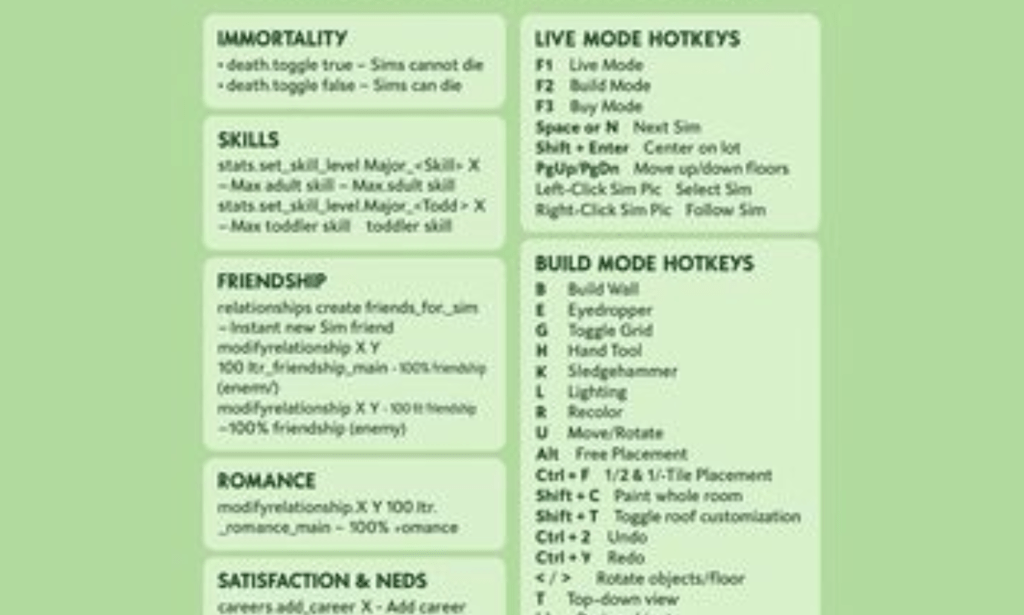
How to Turn On Sims 4 Cheats on PC, Mac, and Consoles
Before you can type any codes, you must open the secret cheat console box in your game. This step looks a little different depending on the device you use to play. For computer users, the process is very quick and requires just a simple keyboard shortcut. If you are playing on a computer, press Ctrl + Shift + C on your keyboard all at once. If you use an Apple computer, press Command + Shift + C to open the white box.
Playing on a gaming console requires you to press the top shoulder buttons on your controller together. For PlayStation fans, press and hold L1, L2, R1, and R2 at the same time. If you use an Xbox, press and hold LB, LT, RB, and RT together on your controller. Once the box appears at the top of your screen, you must type a specific activation code. Type testingcheats true into the box and hit enter to turn on the system.
Important Note: Turning on codes on PlayStation or Xbox will disable your ability to earn trophies and achievements on that specific save file. If you love collecting trophies, make sure to use a separate save file for your fun experiments.
Sims 4 Cheats PC and Mac Guide
Using sims 4 cheats pc options gives you the fastest way to alter your live gameplay experience. Computer players can easily copy and paste long code words directly into the white cheat bar window. This makes it super simple to upgrade your game without making any annoying typing mistakes. Many of these codes also work perfectly for anyone using sims 4 cheats mac setups on Apple laptops.
Once you type the main activation phrase, you can change almost anything about your surrounding virtual world. Computer players get the best experience because typing on a physical keyboard is so fast and efficient. You can change the weather, modify your neighbors, or unlock special locked clothing items in seconds. Below is a helpful summary table for computer players to reference during their next play session.
Quick Computer Commands Table
| Goal | Exact Code to Type | Expected Result |
| Turn on System | testingcheats true | Enables all other codes |
| Free Real Estate | freerealestate on | Makes all neighborhood houses free |
| Reset Character | resetsim Firstname Lastname | Fixes a stuck or frozen character |
| Close Cheat Box | Press Escape | Hides the input window |
Sims 4 Cheats PS4 and PS5 Codes
Console players can enjoy the exact same magical powers as computer players with just a few controller clicks. Using sims 4 cheats ps4 codes allows you to bypass the long grind on your television screen. The newer sims 4 cheats ps5 system works the exact same way with even faster loading times. You just need to bring up the command box using your controller triggers.
Many players think that consoles do not get to use these fun hidden options, but that is wrong. You can type ps4 sims 4 cheats directly into the box using the on-screen digital keyboard. The newer ps5 sims 4 cheats experience feels very smooth because the console opens menus instantly. Just remember that you will need to type carefully using your controller sticks to avoid mistakes.
Sims 4 Cheats Xbox One and Xbox Series X/S
If you play on a Microsoft console, you have plenty of amazing options to change your game. Using sims 4 cheats xbox one codes can make your older console feel like a brand-new playground. Players on newer hardware can use sims 4 cheats xbox commands to build giant castles without any slowdowns. The process is identical to the other platforms once the command line is open.
To make things easier, you can actually plug a regular USB keyboard into your console. This allows you to type your xbox sims 4 cheats quickly without using the slow controller screen keyboard. It saves a lot of time when you want to enter multiple codes in a row. Let us look at a handy table that works perfectly for both PlayStation and Xbox consoles.
Console Command Essentials
| Console System | How to Open Box | Key Activation Phrase |
| PlayStation 4 & 5 | Hold L1 + L2 + R1 + R2 | testingcheats true |
| Xbox One & Series X/S | Hold LB + LT + RB + RT | testingcheats true |
Sims 4 Cheats Money: Get Unlimited Simoleons
The most popular reason people look for all sims 4 cheats is to get rich quickly. Building a dream house requires a lot of money, and regular jobs pay very low daily salaries. If you want a small cash boost, type the word kaching or rosebud into your bar. This will instantly add 1,000 cash coins to your household bank account.
If you want to buy a giant mansion right away, you need a much bigger cash injection. Type the word motherlode into the command box to instantly receive 50,000 cash coins. My personal favorite trick is using the Money X code, where you replace X with an exact number. For example, typing Money 999999 sets your family bank account to that exact amount of cash instantly.
Sims 4 Cheats Skills: Max Out Careers and Hobbies
Waiting for your virtual characters to learn how to cook, paint, or play guitar takes days. You can skip this long process entirely by using sims 4 cheats skills codes on your character. These commands let you choose the exact skill level you want from level 1 to level 10. It makes your character an instant master chef or a famous world-class piano player.
To use these codes, you type a specific base phrase followed by the skill name and number. The base phrase is usually stats.set_skill_level. For example, if you want your character to become amazing at adult cooking, you would enter a specific command line. This saves you from reading thick skill books or burning your kitchen down during practice.
Master Skill Codes Table
| Skill Name | Exact Code to Enter |
| Cooking Master | stats.set_skill_level Major_HomestyleCooking 10 |
| Fitness Expert | stats.set_skill_level Skill_Fitness 10 |
| Painting Genius | stats.set_skill_level Major_Painting 10 |
| Logic Master | stats.set_skill_level Major_Logic 10 |
| Charisma Star | stats.set_skill_level Major_Charisma 10 |
Sims 4 Cheats Needs: Keep Your Sims Happy
Your virtual characters have six basic survival needs that constantly go down as time passes by. They get hungry, tired, lonely, dirty, sad, and need to use the bathroom every single day. Managing these feelings can feel like a stressful chore when you just want to build things. Using sims 4 cheats needs commands lets you fill these bars up to full green instantly.
The easiest way to fix this is by turning on your main testing code first. Once that is done, hold down the Shift key and click directly on your character. A secret menu will pop up with an option called Cheat Need then click Make Happy. This instantly fills every single survival bar so your character feels amazing, energetic, and perfectly clean.
Sims 4 Cheats Relationship: Fast Friends and Romance
Making new friends or finding a romantic partner in the neighborhood can take a long time. You have to talk for hours, tell jokes, and hope the other person likes your character. If you want to skip the awkward small talk, use sims 4 cheats relationship options. These codes let you become best friends or soulmates with any neighbor instantly.
The code for this requires the first and last names of both characters you want to change. You type modifyrelationship Sim1_First Sim1_Last Sim2_First Sim2_Last 100 LTR_Friendship_Main. If you want romance instead of friendship, change the last word phrase to LTR_Romance_Main. This lets you create perfect couples or instant rivals without spending days chatting on the sofa.
Sims 4 Cheats CAS: Edit Traits and Appearance
When you first make a character, the game locks their body shape, face, and core personality traits forever. If you change your mind later, you normally cannot edit these details in a regular mirror. Thankfully, using sims 4 cheats cas codes unlocks the full creation menu during live gameplay. CAS stands for Create-A-Sim, which is the character design screen.
To use this power, open your text box and type cas.fulleditmode before entering the screen. After typing this, hold Shift and click on your character, then select Modify in CAS. Now you can change their body size, voice, traits, and skin tone exactly like a brand-new character. It is perfect for giving your neighborhood family a total cosmetic makeover.
Sims 4 Cheats Satisfaction Points: Unlock Rewards
As your characters complete their life goals and small daily wishes, they earn special satisfaction points. These points are spent in a secret reward store to buy awesome perks and magical potions. Some perks stop your character from ever getting hungry or tired again. Using sims 4 cheats satisfaction points codes gives you infinite reward currency instantly.
To get these points without working, type sims.give_satisfaction_points X into your open command bar. Replace the letter X with the exact number of reward points you want to give your character. For example, typing sims.give_satisfaction_points 10000 will grant you enough currency to buy the best traits. This makes your character overpowered and super fun to play.
The Complete Sims 4 Cheats List for Hidden Objects
Building mode is one of the most popular parts of this amazing simulation game. However, many cool items are hidden behind career levels or locked away in secret game files. You can use a special sims 4 cheats list command to unlock every single hidden object. This gives you thousands of new decorations, plants, and structural pieces for your house.
Enter build mode, open your cheat window, and type bb.moveobjects to place items anywhere you want. Next, type bb.showhiddenobjects to find secret items like cups, plates, and collectible rocks. Finally, type bb.showliveeditobjects to unlock background world items like trees, cars, and public street lights. These three commands give you total creative freedom to build anything you can imagine.
Summary of the Ultimate Commands
To make things super simple for your next gaming session, here is a master list of the best codes. Keep these nearby so you can type them in whenever your character is in trouble.
- motherlode – Gives you 50,000 Simoleons instantly.
- kaching – Gives you 1,000 Simoleons instantly.
- freerealestate on – All houses in the world map become totally free to own.
- death.toggle false – Stops your characters from ever dying of old age or accidents.
- cas.fulleditmode – Allows total character appearance and trait changes.
- bb.moveobjects – Lets you move and place furniture items anywhere without grid limits.
Conclusion: Take Control of Your Sims World
Using the sims 4 cheats pc and console options completely transforms how you experience this classic simulation game. It removes the stressful daily grind and lets you focus entirely on your own creative stories. You can build giant castles, master every hobby instantly, and keep your characters perfectly happy forever.
Don’t be afraid to experiment with different combinations of codes to see what crazy scenarios you can create. Just remember to save your game to a new slot before going wild with console codes. Go open your game, open that secret command box, and start building your ultimate virtual paradise today!
Frequently Asked Questions (FAQs)
Will using codes ruin my saved game file?
No, using official codes will not break your saved game file or corrupt your progress. They are built directly into the software by the game developers on purpose. However, console players will lose the ability to earn achievements on that specific save file. It is always smart to keep a backup save file just in case you want to play normally later.
Why is my testingcheats true code not working?
If the code does not work, you likely made a small typo in the white command box. Double-check that you spelled the words correctly and included the single space between the two words. Also, make sure you are fully loaded into a live house with a character before typing it. The code will not activate if you are looking at the main main menu screen.
Can I use these codes on the PlayStation 5 version?
Yes, all sims 4 cheats ps5 commands work perfectly on the newer Sony console system. You just press the four shoulder triggers together to bring up the text entry box on your screen. The codes are exactly the same as the older PlayStation 4 versions. The only difference is that your game will load and apply the codes much faster.
How do I turn off codes after using them?
If you want to play safely and turn off the system, open your bar window again. Type testingcheats false into the box and press enter to lock the system back up. Some codes, like the building ones, require you to type the word off instead of on to deactivate them. Turning them off will not bring back achievements on that specific console save file.
Can I get banned for using these codes online?
No, you can never get banned for using any commands in this game. It is a single-player simulation game, so there are no competitive rules or online safety systems to trigger. The game developers love when players use their imagination to stretch the game limits. You are free to customize your experience as much as you want without any fear.
Do I need internet access to use these cheat codes?
No, you do not need an active internet connection to use any of these commands. The codes are stored directly inside the game code on your hard drive. They work perfectly fine even if your computer or console is completely offline. This makes it easy to enjoy a fully customized game anywhere you take your laptop or gaming device.